
You have probably heard about Google+. Hopefully you even have a G+ page set up for your practice? Brilliant. Now it’s time to make your URL yours.
Look at the examples below and think about which one looks better.
Once you create a G+ page for your business, you are automatically given a URL for that page. This URL contains a long sequence of digits, not making it very user-friendly or memory-friendly for that matter!
What are the benefits of having a URL with your business name in it?
Please Note: Before you claim your personalised URL there are certain criteria you must meet.
If all of the above gets a tick, well done!
Once you’ve logged in to your G+ page using your Google ID, you should get a notification at the top of the page explaining that you have been preapproved for a custom URL.
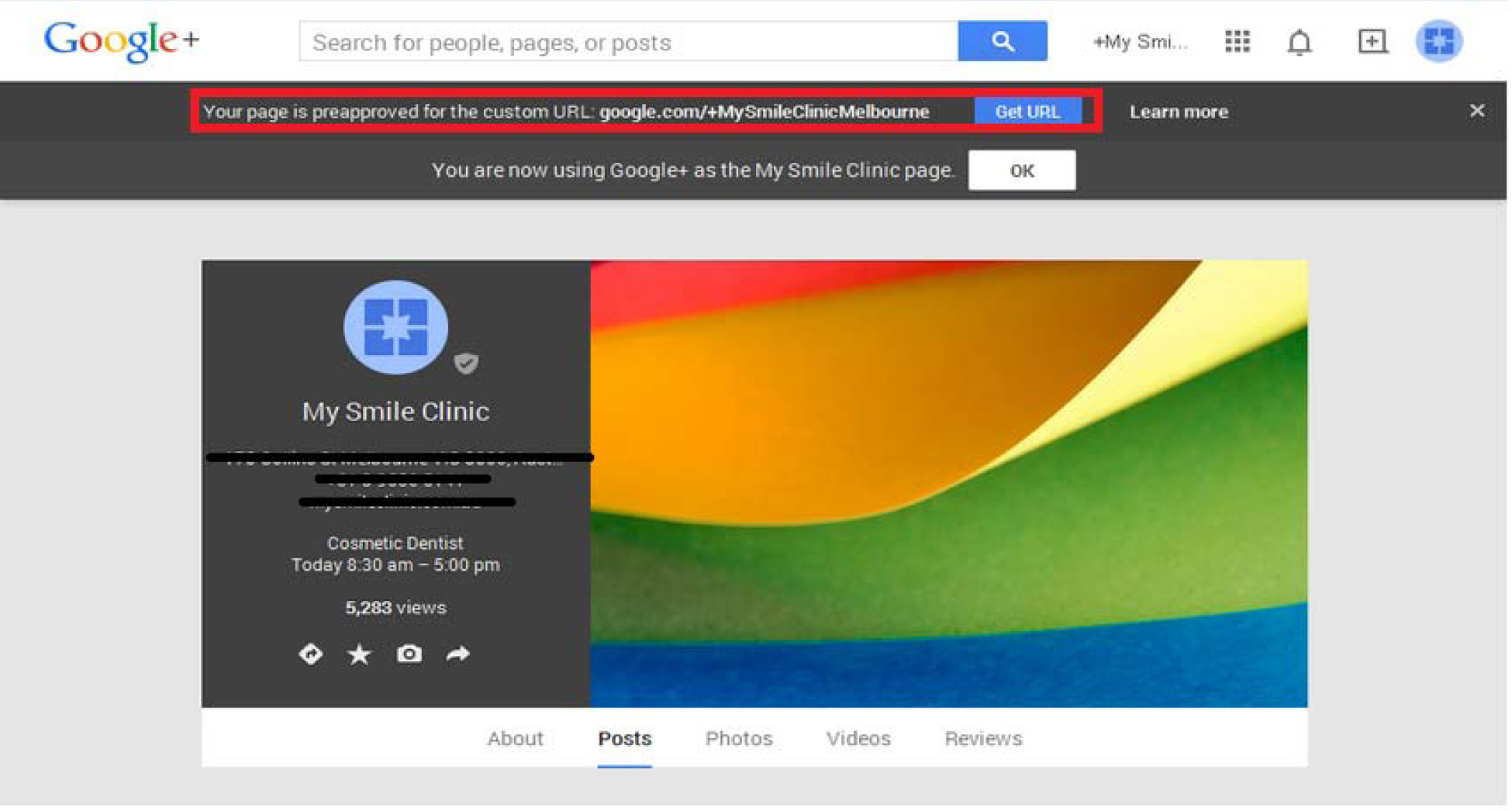
Click “Get URL” button which will show the screen as displayed below: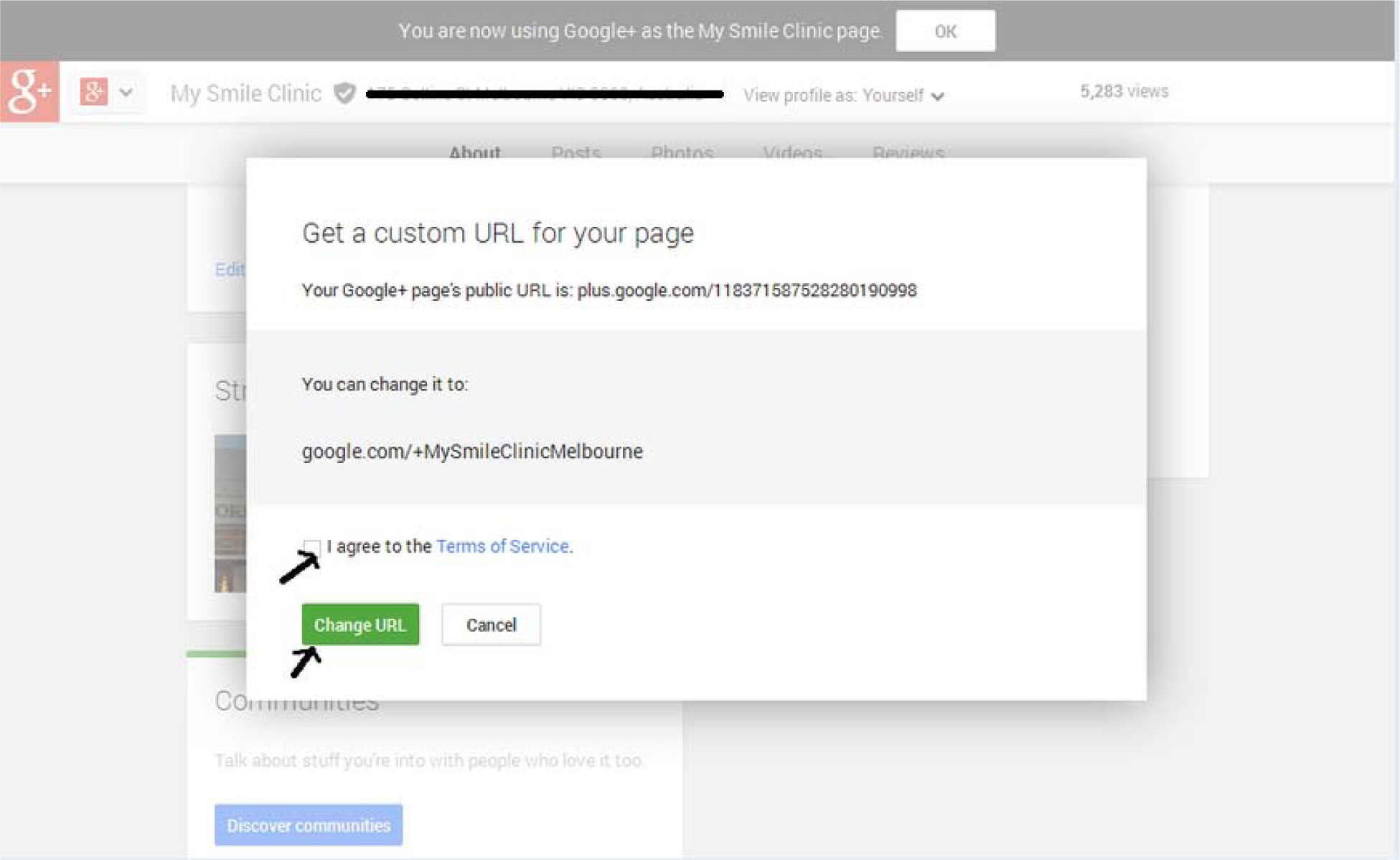
Tick the box to agree with the “Terms of Service” and click “Change URL” button. Now the URL will be changed!

